
Xtranscoder
Professional Streaming Engine
Xtranscoder is a self-hosted live streaming transcoder that converts RTSP, RTMP and HTTP streams into reliable, low-latency HLS — with automatic failover, on-demand streaming, and full control over your infrastructure.
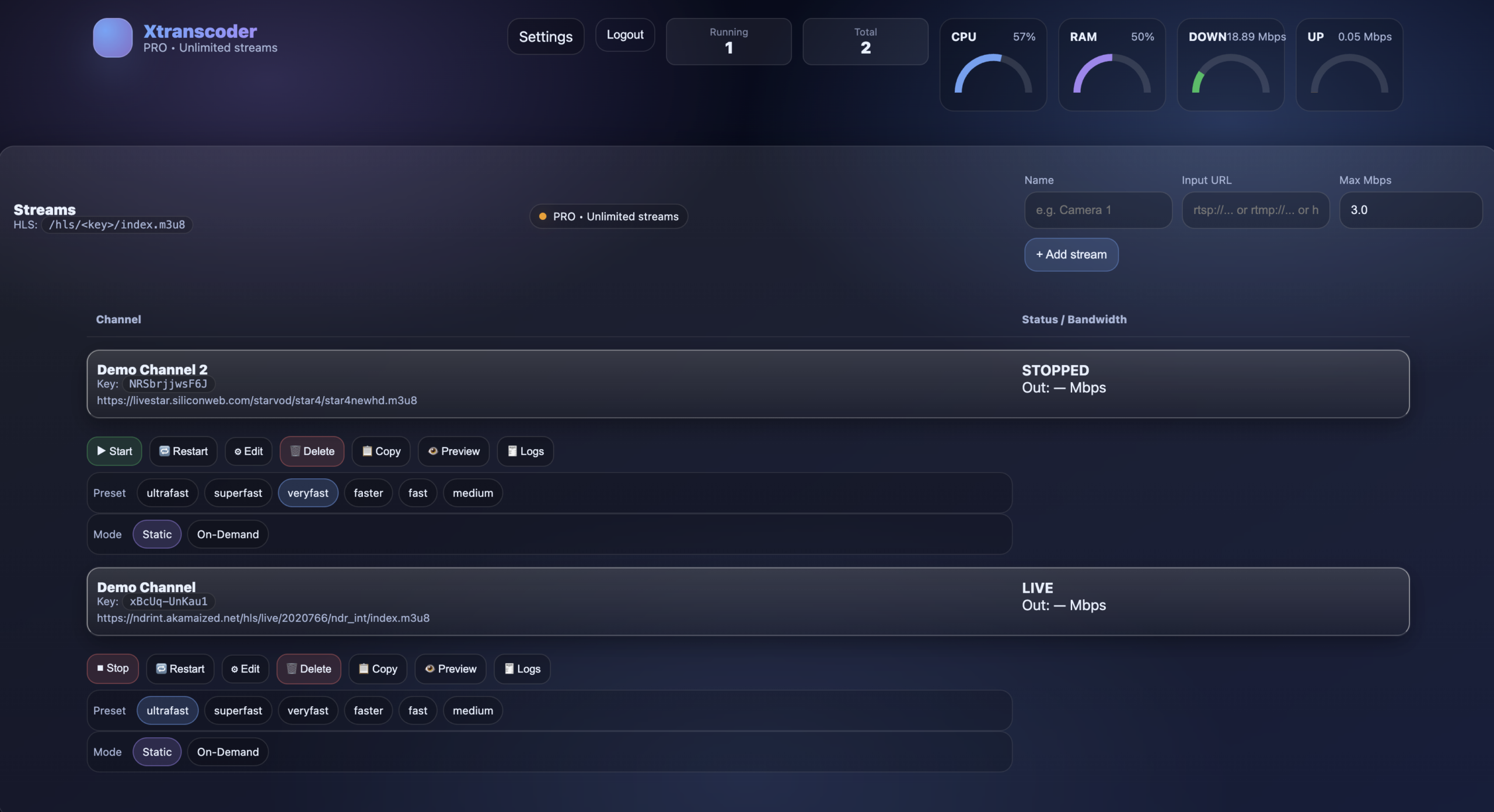
What Xtranscoder Does
Xtranscoder continuously ingests live video sources and converts them into browser-ready HLS streams. It is designed for 24/7 reliability, automatic recovery, and minimal operational overhead.
- RTSP / RTMP / HTTP input support
- HLS output compatible with all players & CDNs
- Automatic restart & stall detection
- Backup input failover rotation
- On-demand streaming to save CPU
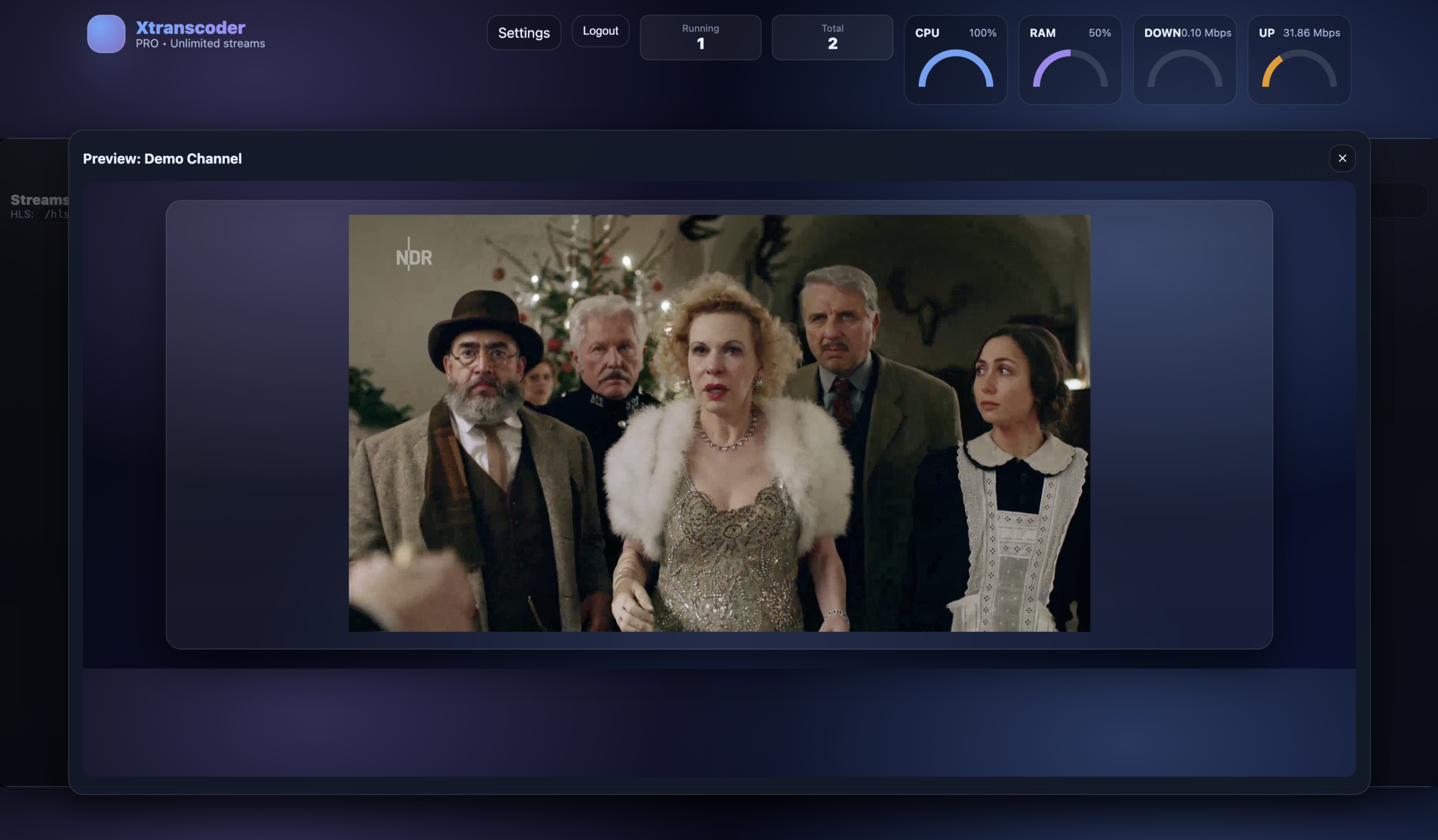
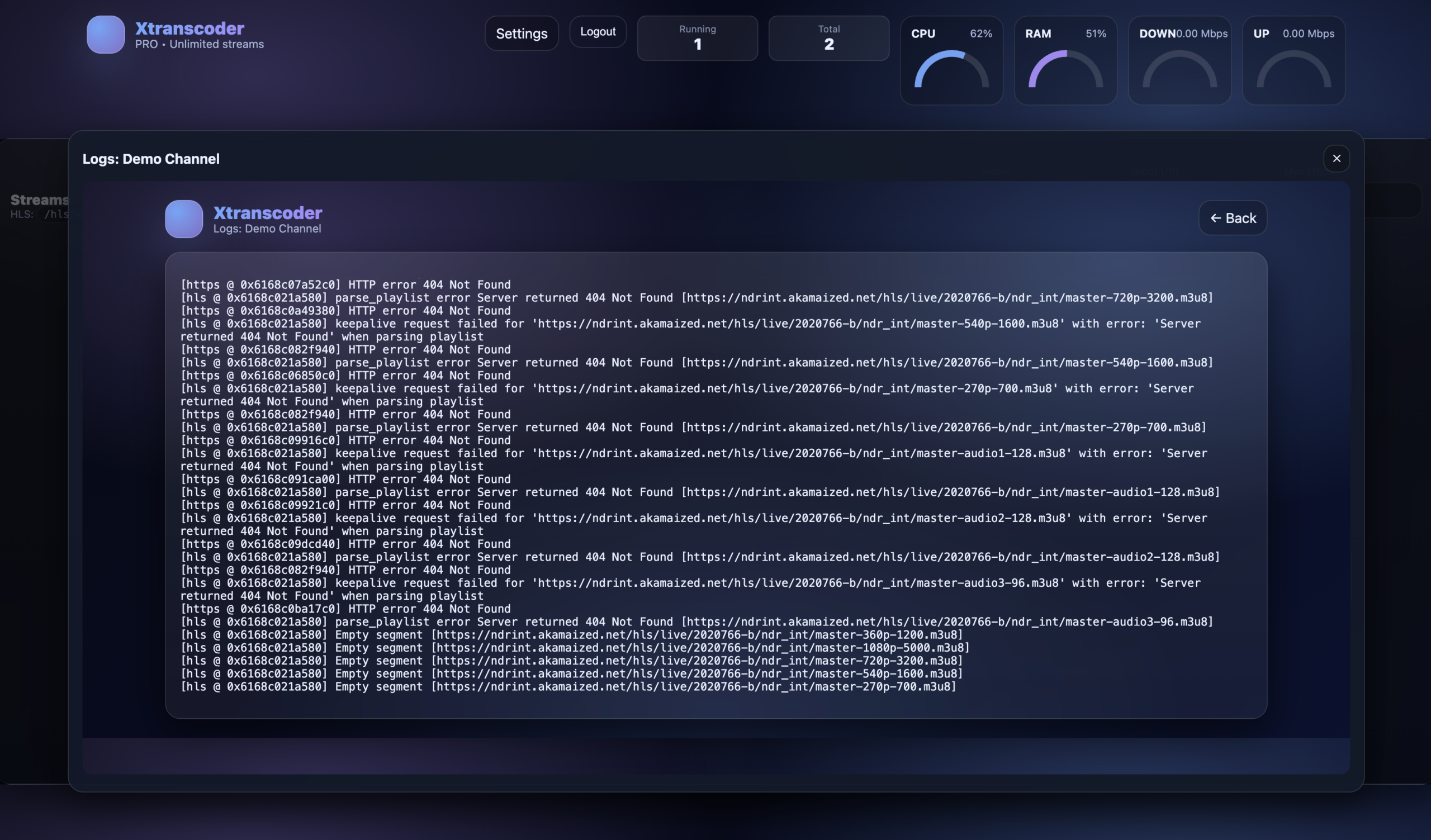
- Live preview, logs & performance metrics
Save Money with CPU-Based Transcoding
Xtranscoder is optimized for CPU-based transcoding, allowing you to run high-density live streams on standard VPS or dedicated servers — avoiding the high cost and complexity of GPU instances.
CPU servers are significantly cheaper, easier to scale, and widely available. Combined with on-demand streaming, Xtranscoder can dramatically reduce infrastructure and load balancer costs.
Reduce Bandwidth Without Visible Quality Loss
Many live streams are delivered at unnecessarily high bitrates. Xtranscoder intelligently re-encodes incoming streams to modern H.264/HLS profiles, dramatically reducing bandwidth usage while preserving visual quality.
For example, a typical 10 Mbps source stream can often be transcoded down to ~3 Mbps with minimal or no visible difference for viewers. This is achieved through efficient encoding, optimized GOP structure, proper keyframe placement, and bitrate control tuned specifically for live delivery.
The result is up to 70% lower bandwidth usage — reducing CDN costs, server egress fees, and network congestion — while maintaining a clean, stable viewing experience across desktop, mobile, and smart TVs.
- Lower outbound traffic and CDN bills
- Improved playback stability on slower connections
- Efficient delivery for high viewer counts
- No changes required to your original input source
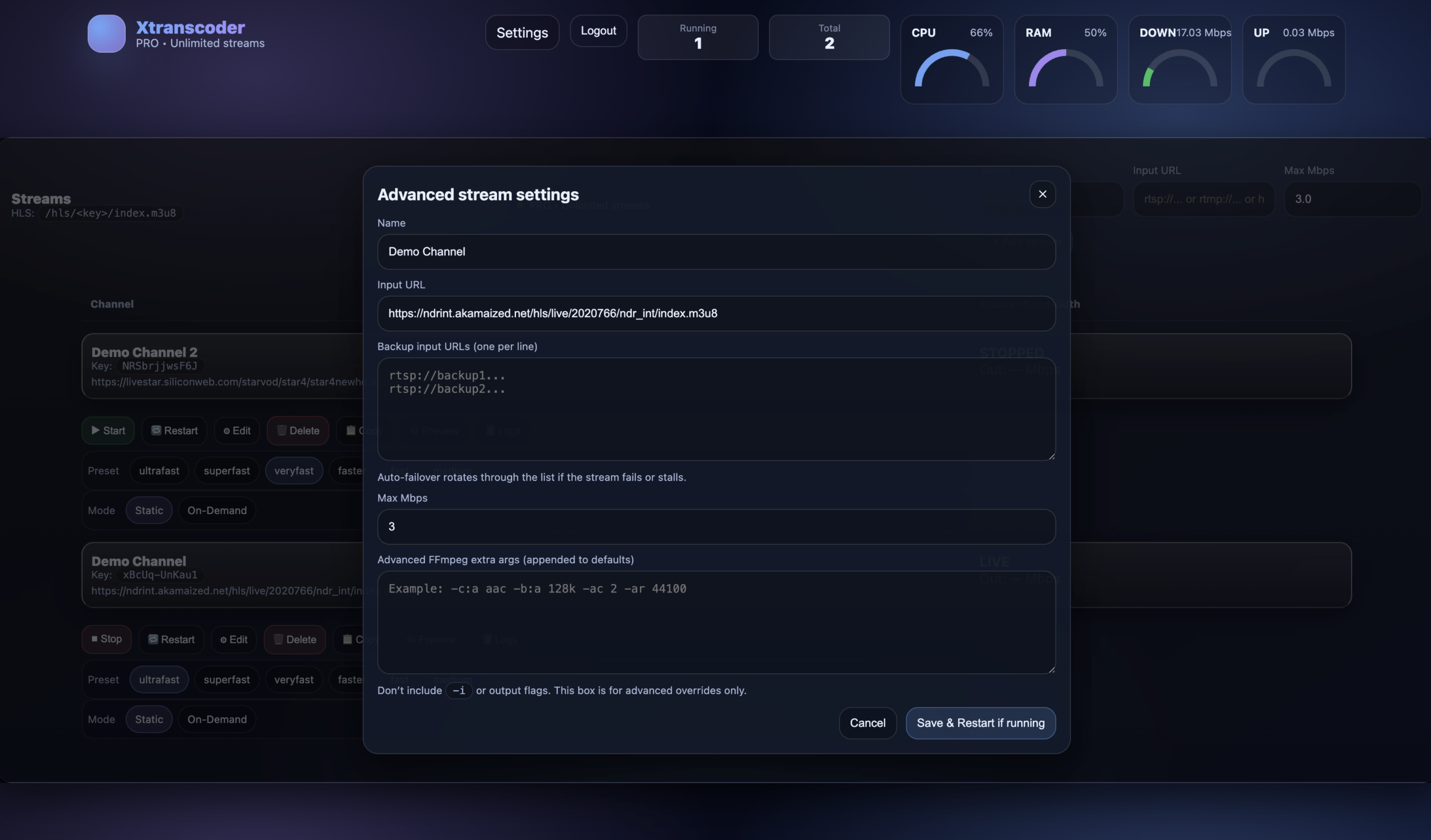
Advanced Control, Simple Operation
Fine-tune every stream with presets, bitrate limits, backup inputs and optional advanced FFmpeg arguments — without touching the command line.
Xtranscoder automatically handles recovery, restarts and input switching, keeping your streams online even when sources fail.
IP Locking & Bandwidth Control
Xtranscoder includes built-in security and monitoring controls to help protect your streams and accurately visualize network usage — without relying on external firewalls or proxies.
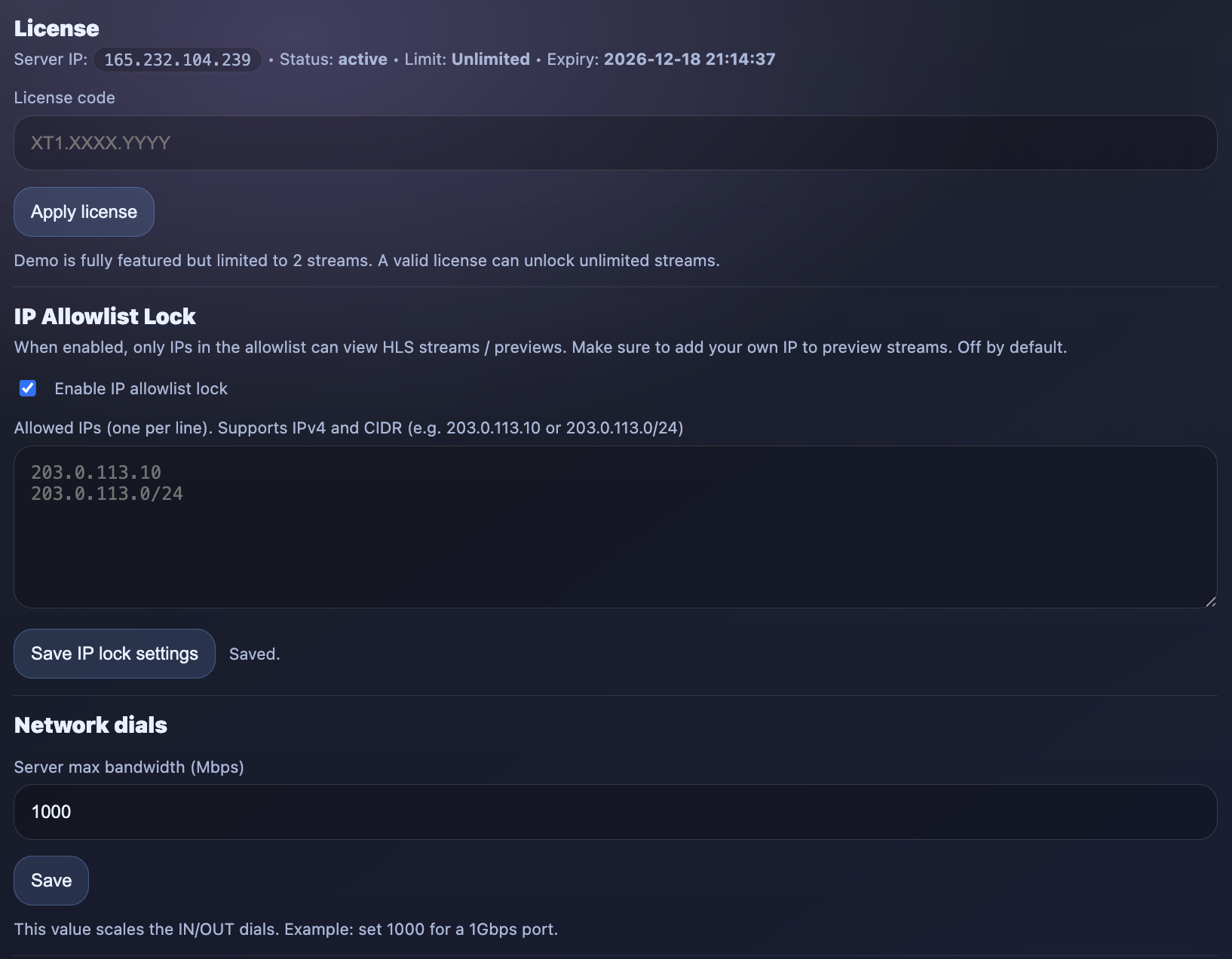
IP Allowlist Lock
Restrict access to HLS streams and live previews by IP address. When enabled, only approved IPv4 addresses or CIDR ranges can view your streams.
- Protect streams from unauthorized access
- Supports single IPs and CIDR ranges (e.g.
/24) - Ideal for internal monitoring, private feeds, or controlled distribution
- Applies instantly without restarting streams
Server Bandwidth (Mbps) Scaling
Define your server’s maximum available bandwidth to accurately scale the IN / OUT network dials in the dashboard.
This provides a clear, real-time visual representation of total bandwidth usage, making it easy to monitor capacity, detect spikes, and plan scaling — especially on high-throughput or shared uplinks.
One-Line Install
Install Xtranscoder on your own server in minutes. Supported platforms: Ubuntu 22.04 & 24.04.
bash <(curl -fsSL http://www.install.xtranscoder.com/xtranscoder.sh)
The demo version is limited to 2 streams but fully featured. Test it as long as you like on your own infrastructure.
Licensing & Payment
Xtranscoder licenses unlock unlimited streams for 1 full year. Licenses are issued automatically once payment is confirmed — usually within 1 to 5 minutes.
Paste your license key into the Xtranscoder panel under Settings to instantly unlock unlimited transcoding.
⚠ We accept crypto payments only.
⚠ Xtranscoder provides software only — we do not supply or host streams.